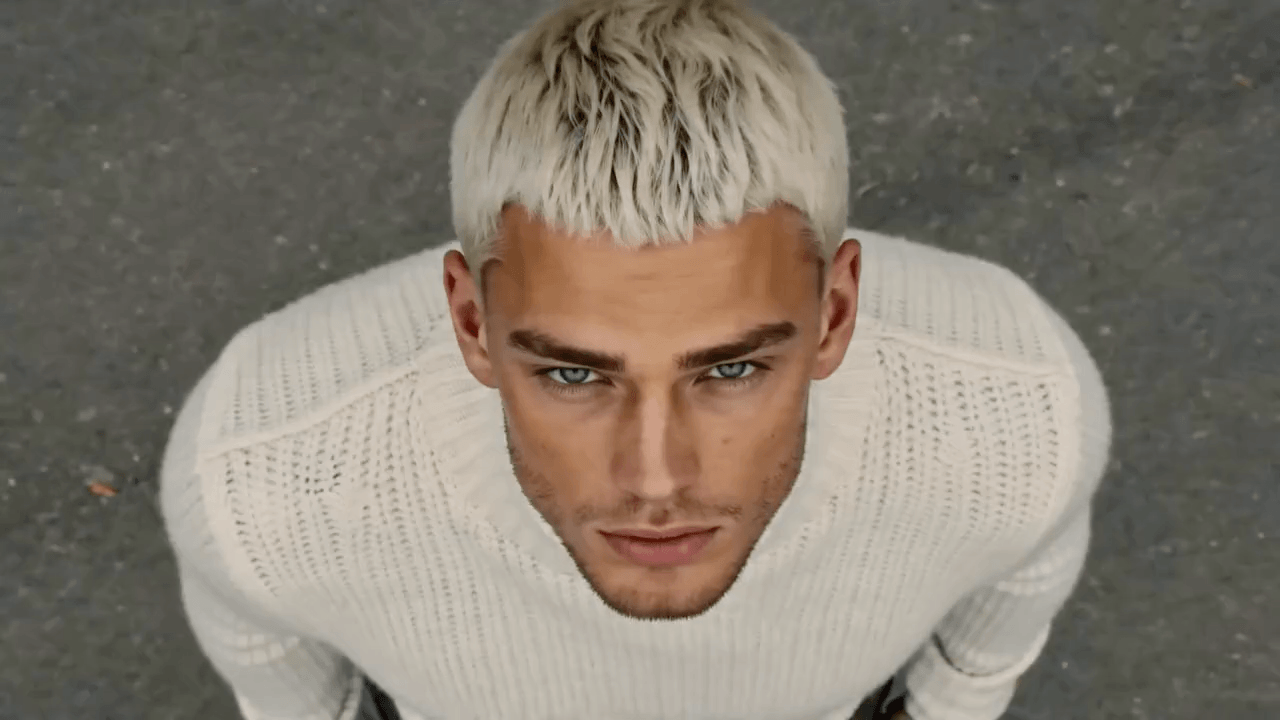
Add motion to product page visuals
Generate a short clip from a product image, download it, and test it inside a Shopify product page, store section, or landing page.

Turn existing Shopify product images into short AI product videos for product pages, collection launches, store campaigns, and landing page tests.
Download the generated video and add it to your Shopify page or campaign manually. Video X does not require a Shopify app connection in this MVP.
Upload a product image to generate a preview
Preview motion styles that can guide Shopify product page videos, store hero visuals, collection launches, and ecommerce campaign assets.


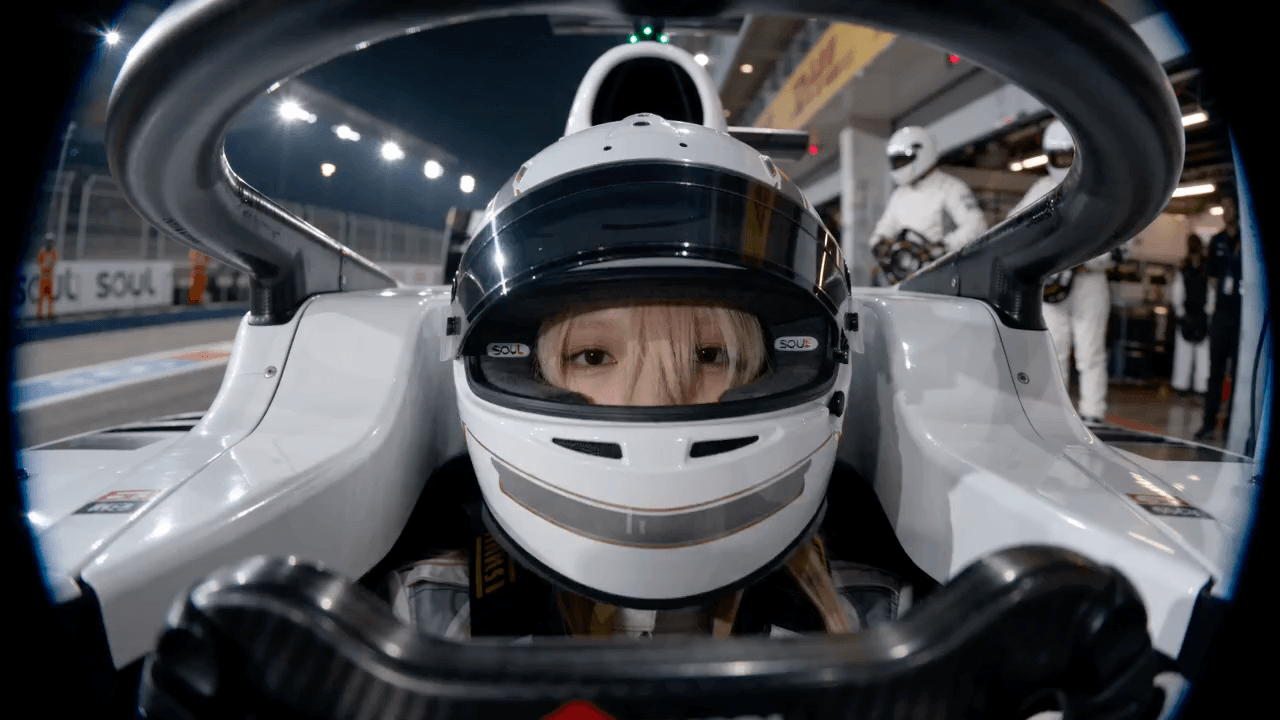
Use the product photos already in your store to test short video creative for product detail pages, collection launches, and ecommerce campaigns.
Generate a short clip from a product image, download it, and test it inside a Shopify product page, store section, or landing page.
Use one product or campaign image to explore a launch motion direction before committing to a larger content production cycle.
Video X focuses on generation and download first, so you can manually place the result into Shopify without changing your store setup.
Generate a short video from an existing store image, then download it for manual use in Shopify pages or campaigns.
Use a product photo, collection image, lifestyle shot, or campaign visual from your existing Shopify creative library.
Prompt for a product reveal, homepage hero motion, collection launch scene, or product page video concept.
Generate a fixed 5-second 720p video, download it, and add it to your Shopify page or marketing workflow yourself.
Questions about creating short AI product videos for Shopify stores with Video X.
Upload a store image, generate a short AI product video, and download it for manual use in Shopify product pages or campaigns.